Detail 1
Searchable PDFs from document scans
Turn scanned documents and imported PDF or image files into PDF documents that are easier to search later.
Scan paper documents or import PDF, JPEG, and PNG files, then create searchable PDF output with OCR.
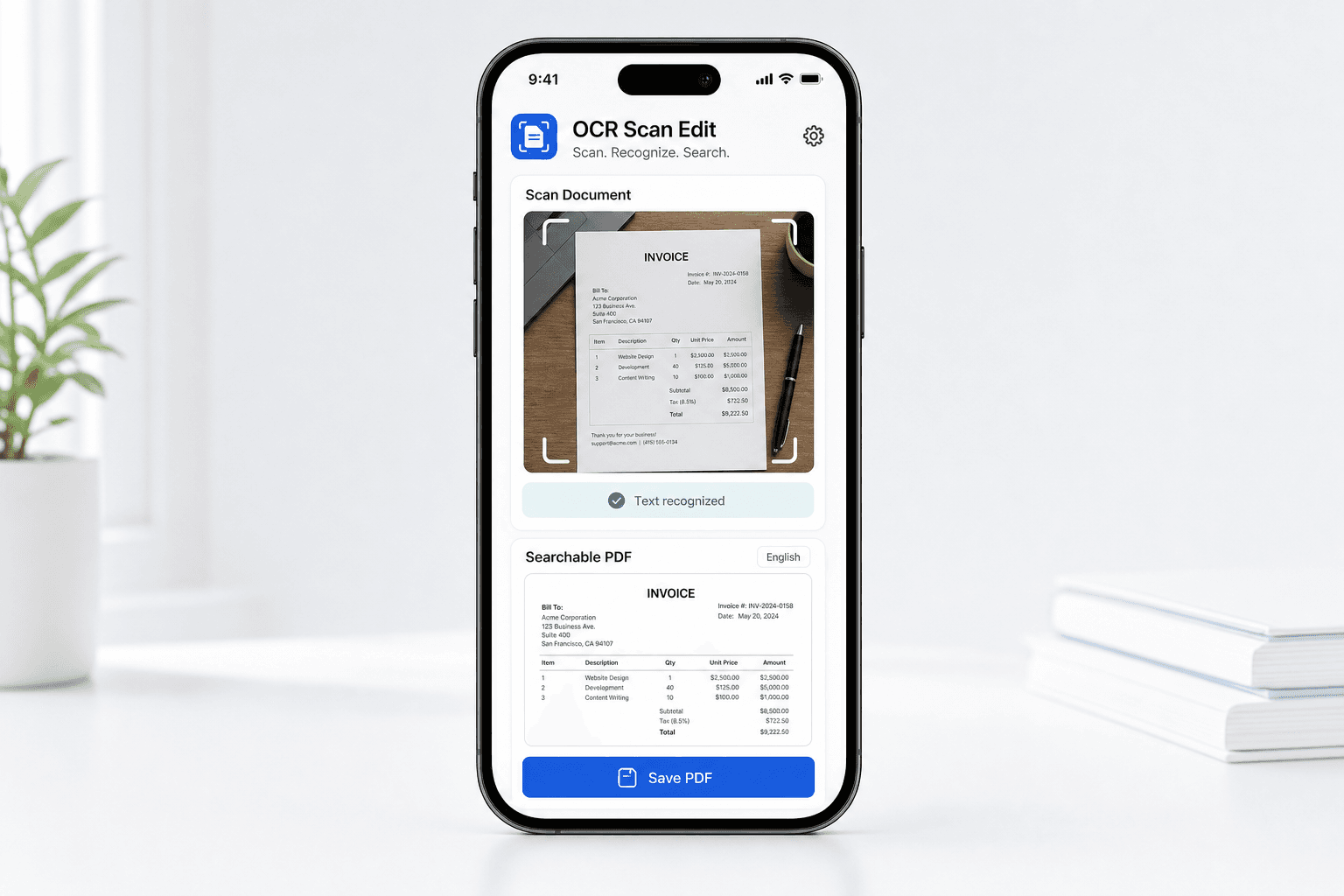
OCR Scan Edit keeps the steps visible, the output clear, and the store path close by.
Turn scanned documents and imported PDF or image files into PDF documents that are easier to search later.
Select English, French, German, Portuguese, or Simplified Chinese to match the text in your document.
The free app experience may show ads to support ongoing development.
OCR Scan Edit is designed around common mobile document chores, with the steps kept visible and direct.
Prepare a clean PDF for saving, upload, print, or sharing from your phone.
Prepare a clean PDF for saving, upload, print, or sharing from your phone.
Prepare a clean PDF for saving, upload, print, or sharing from your phone.
Prepare a clean PDF for saving, upload, print, or sharing from your phone.
Pick the file, review the action, then export the finished result back to your device or another app.
Open documents from the places people already keep them.
Save the result or send it through other mobile apps.
Capture a paper page with the camera or choose a PDF, JPEG, or PNG file from your device.
Select the OCR language that matches the text in the document.
Generate a PDF that is easier to search when you need to find text later.
The page explains what the app does, what files it uses, and where to find privacy and support details before installing.
Choose the documents you want to process.
Select the OCR language that matches the document.
Clear privacy, terms, and support pages.
Install the app, choose your file, and complete the PDF task whenever you need it.
Explore other focused PDF apps made for common document jobs on iPhone and Android.
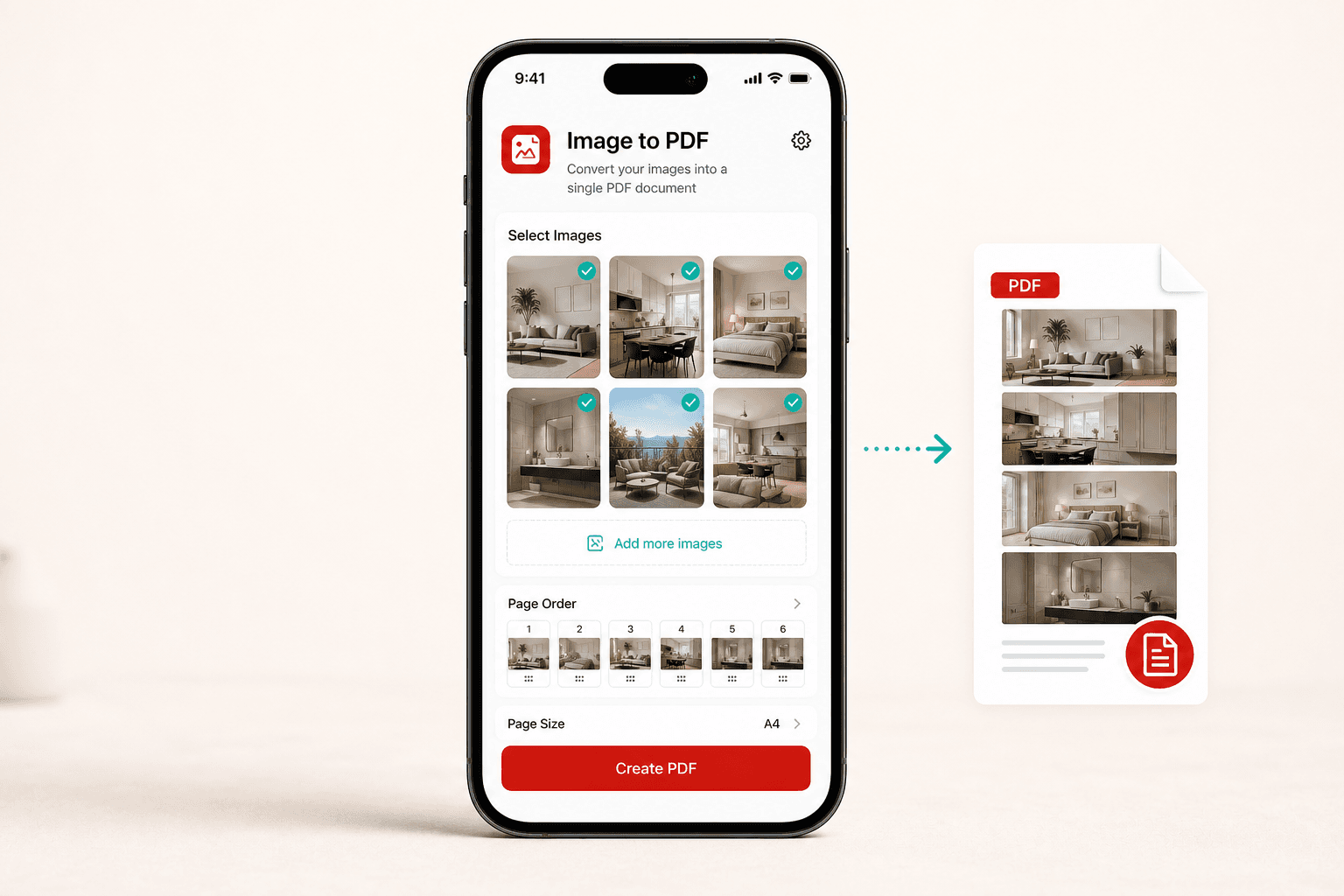
Image to PDF helps users combine photos into organized PDF documents that are easy to save, print, upload, or share.
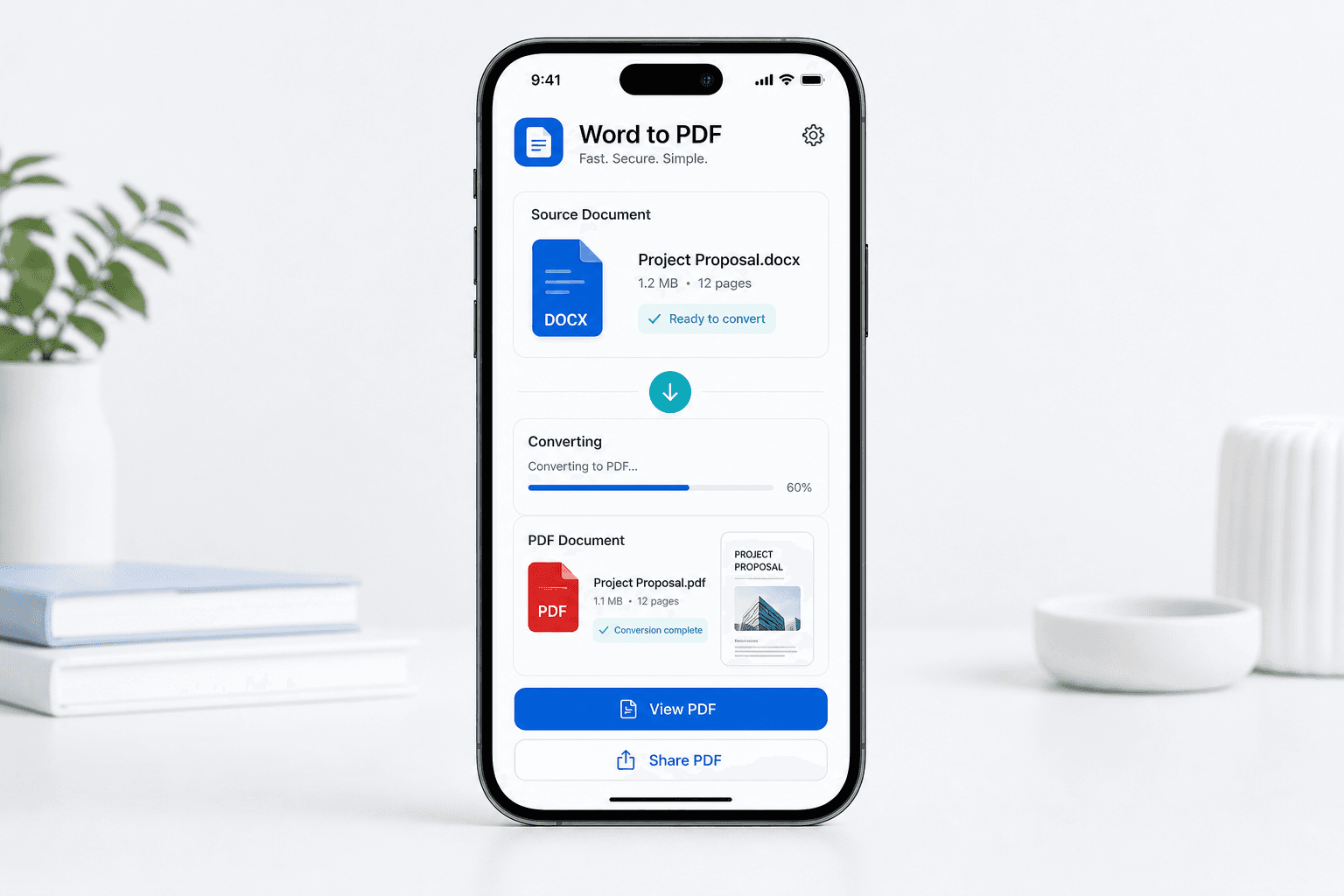
Word to PDF helps users convert Word documents into polished PDF files that are easier to send, upload, print, or archive.